06 / 06
Brand in use.
The kit at work. Every image is rendered from the same field, with the same type and the same master logos, so a share preview, a slide and a video call all look like veridive.
6.1 Share images
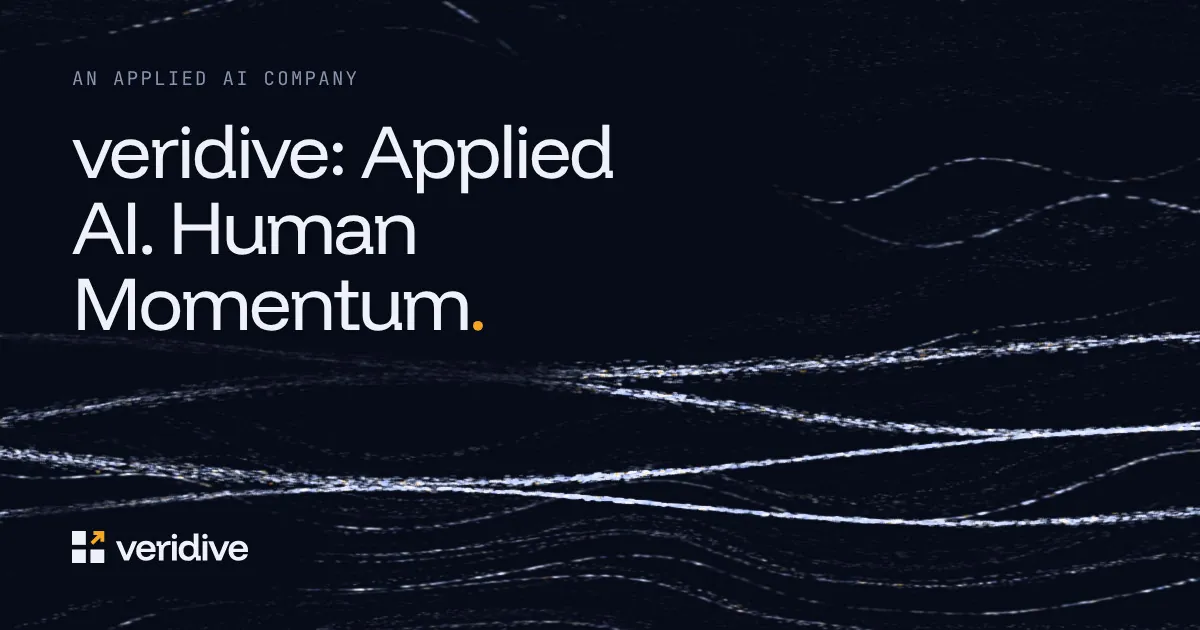
Every page, its own preview.
Every page, in English and Turkish, has its own 1200 × 630 share image, so a link shared on LinkedIn, X, WhatsApp or Slack shows the page it leads to. Field notes and topic pages get theirs from their titles.
6.3 Slides
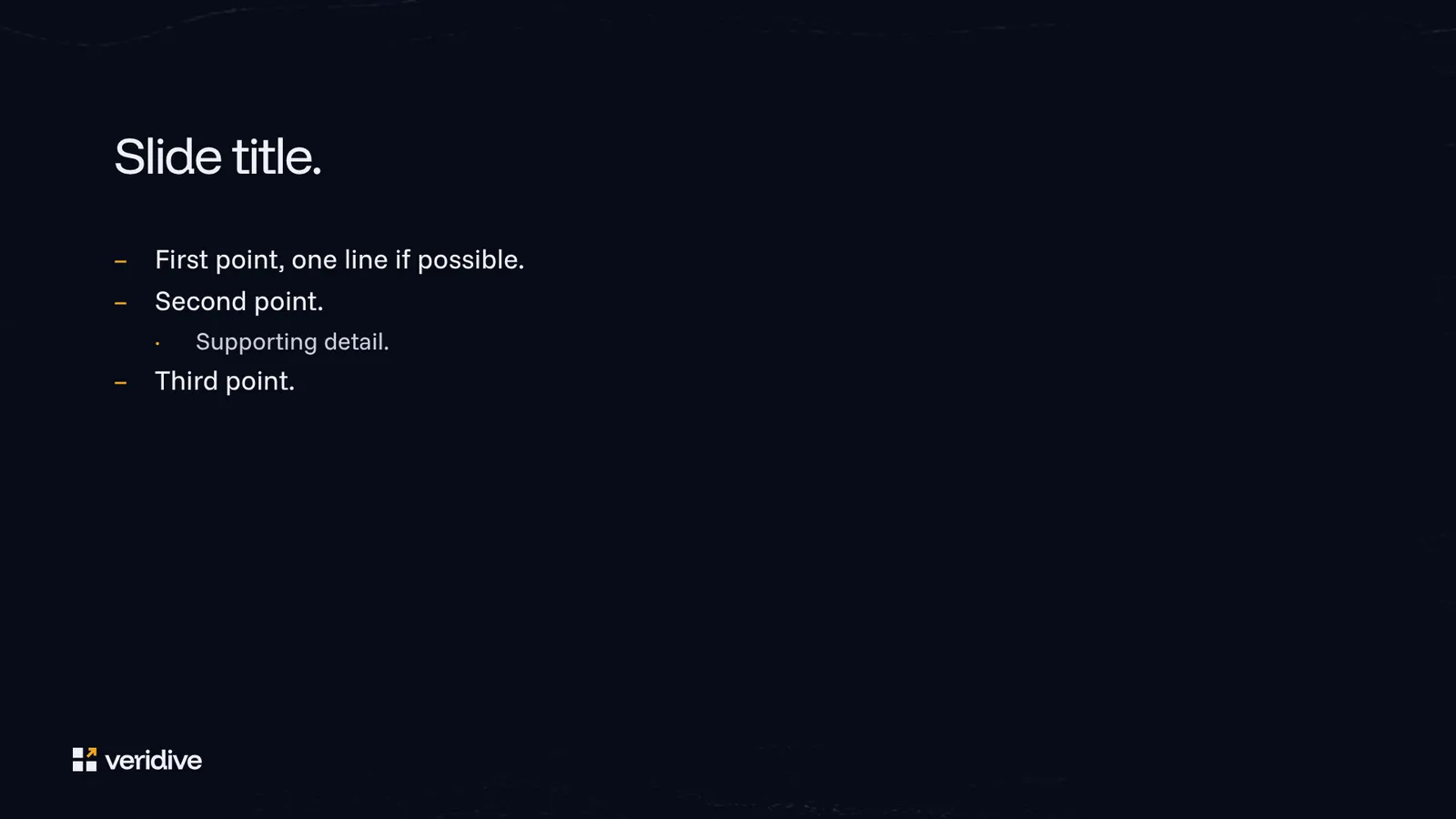
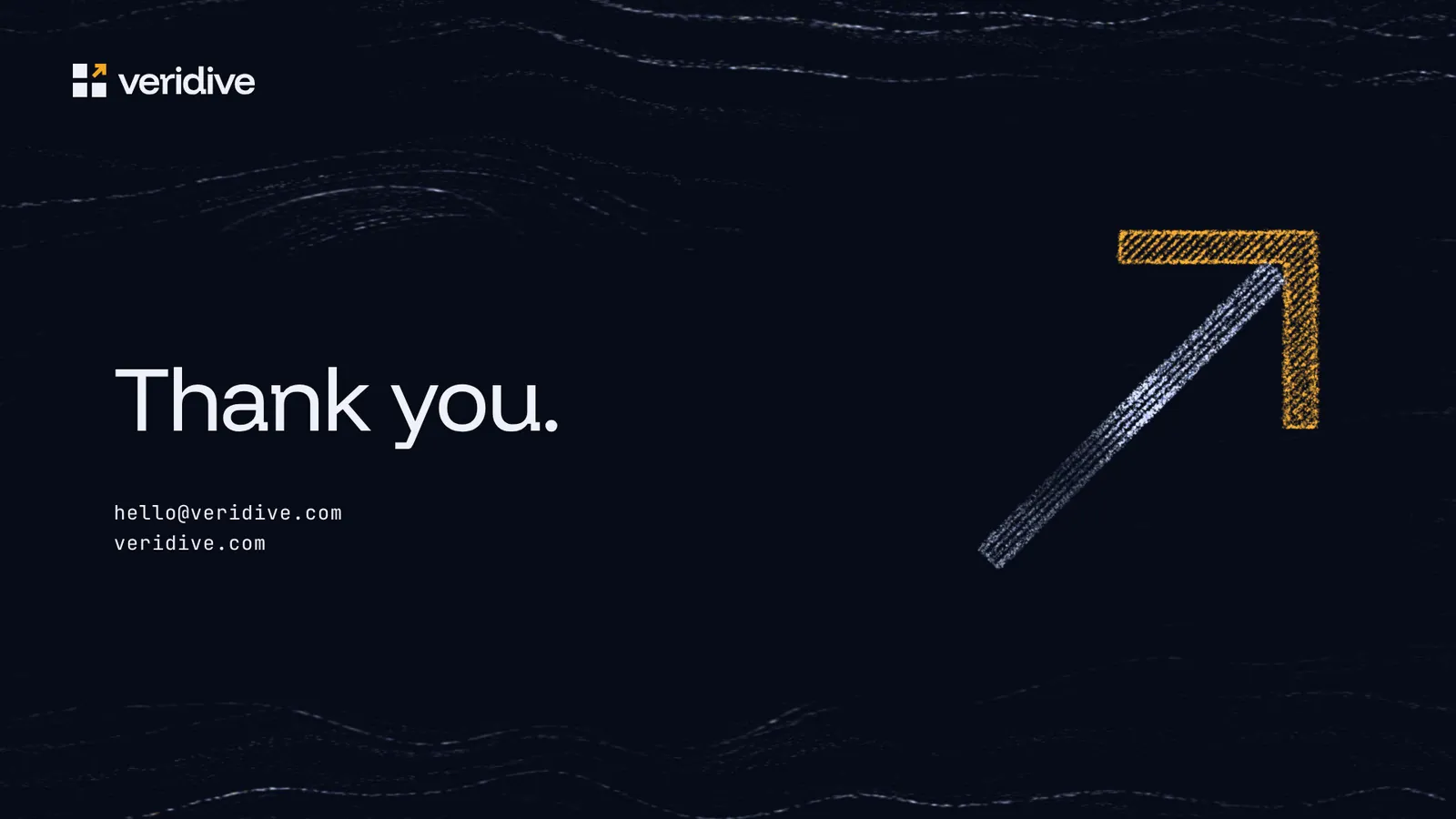
A template with five layouts.
The PowerPoint template has five layouts (Title, Section, Content, Quote and Closing) with the backgrounds built in, so they can’t be moved by accident.
6.4 Wallpapers
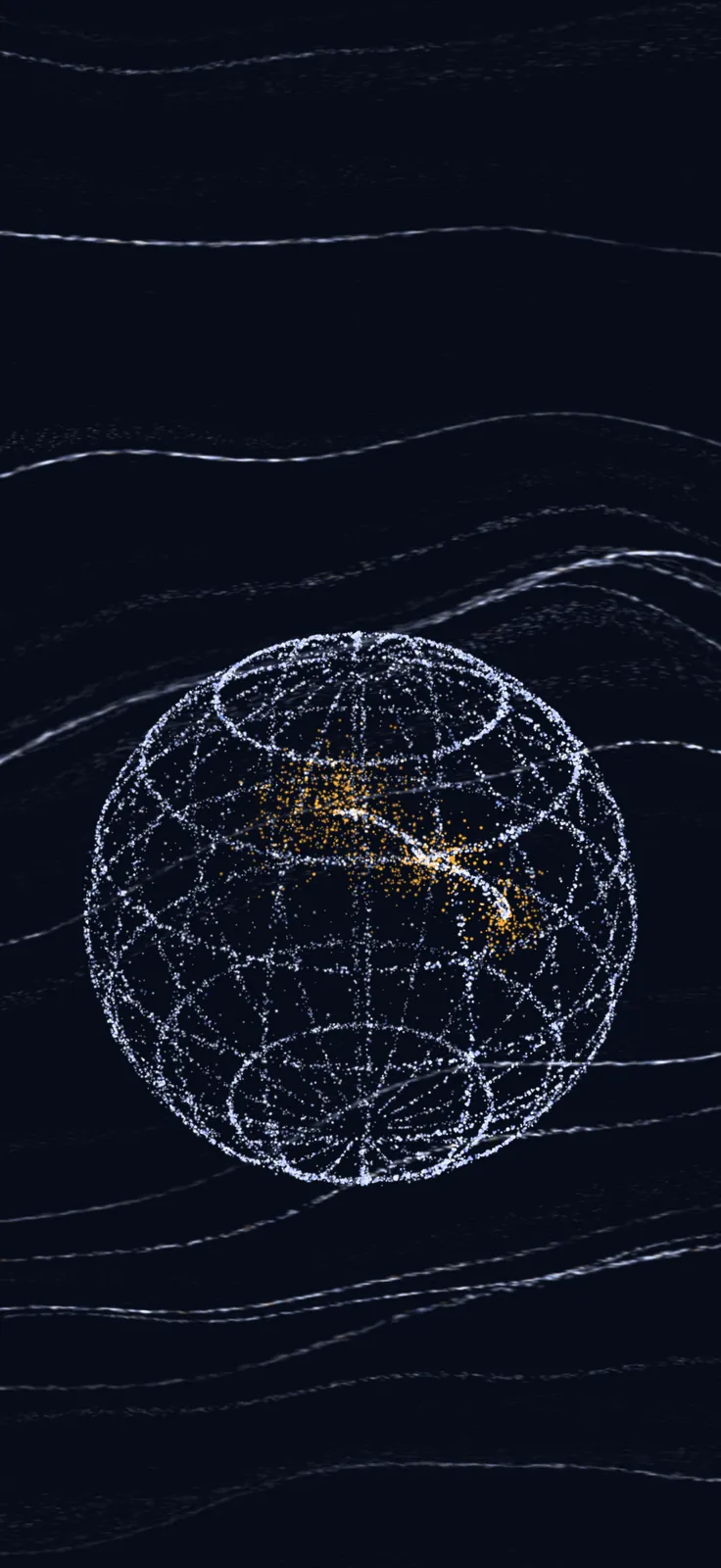
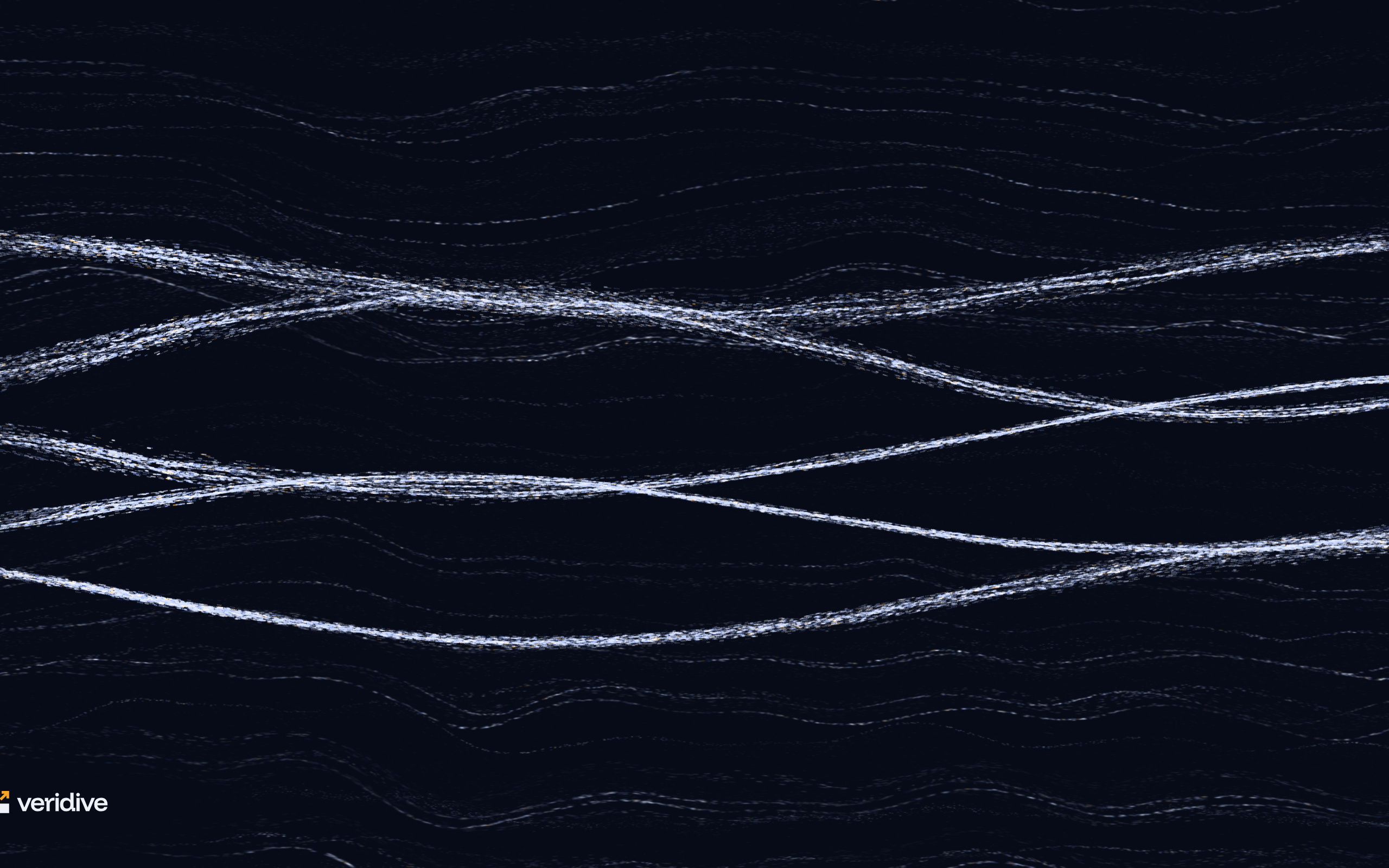
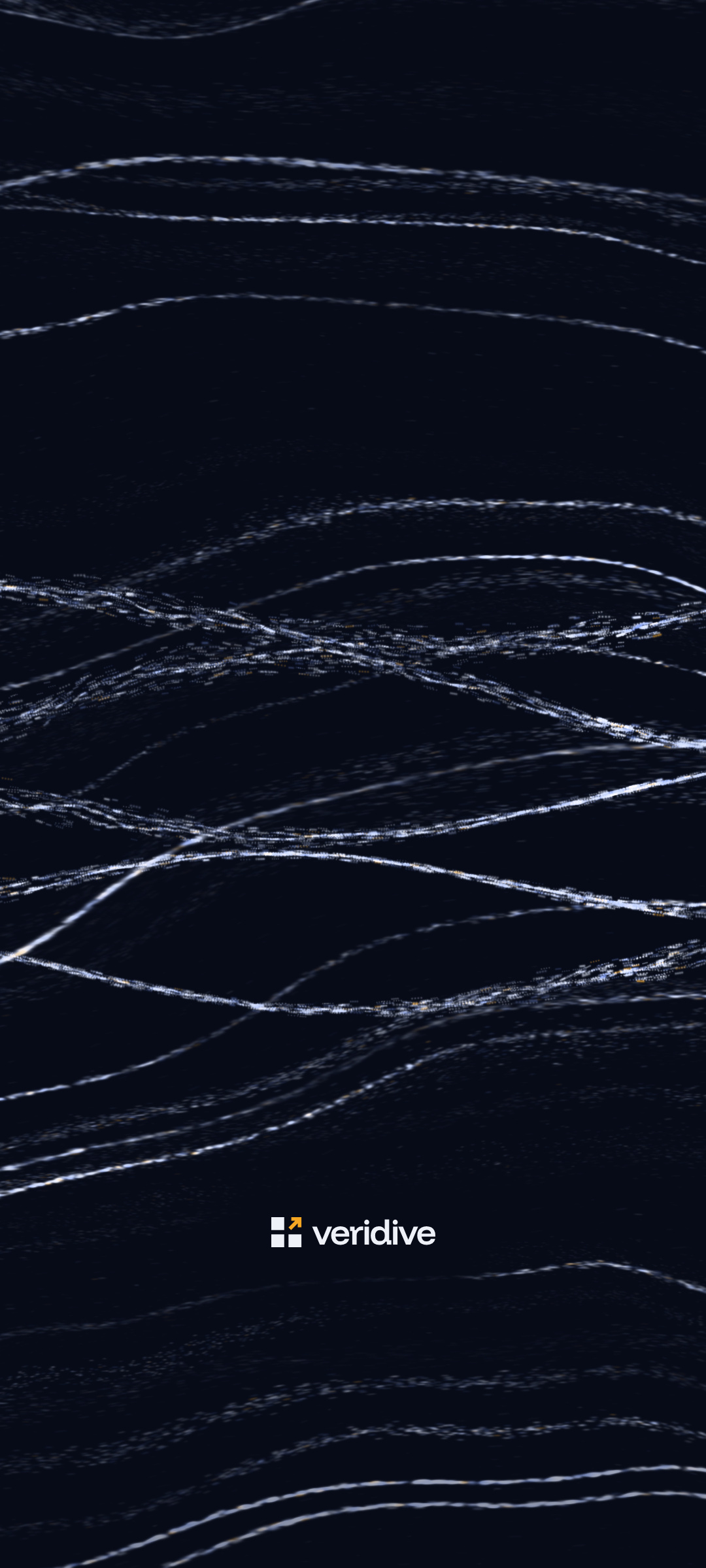
Desktop and phone.
Five wallpapers, each for 4K displays (3840 × 2160), laptops (2560 × 1600), iPhone (1320 × 2868) and Android (1080 × 2400). The phone versions keep the clock and the dock areas quiet.

6.5 Video calls
A quiet background.
Five 1920 × 1080 backgrounds for Zoom, Teams and Meet. Your own preview may look mirrored; the people you call see the logo the right way round.


6.6 Email signature
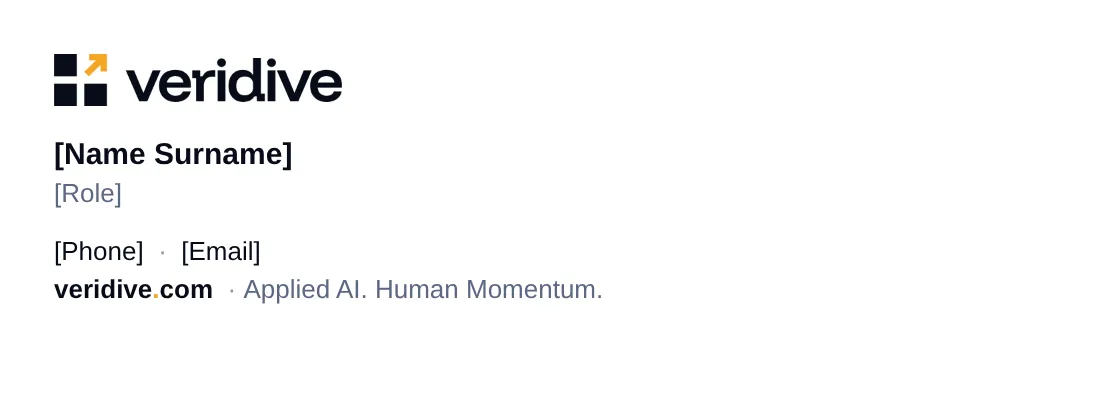
One signature for everyone.
An HTML signature with the logo and each person’s name, title and own veridive.com address. It is set in Arial, because email programs don’t load web fonts; the logo keeps the brand typeface.

6.7 Posts
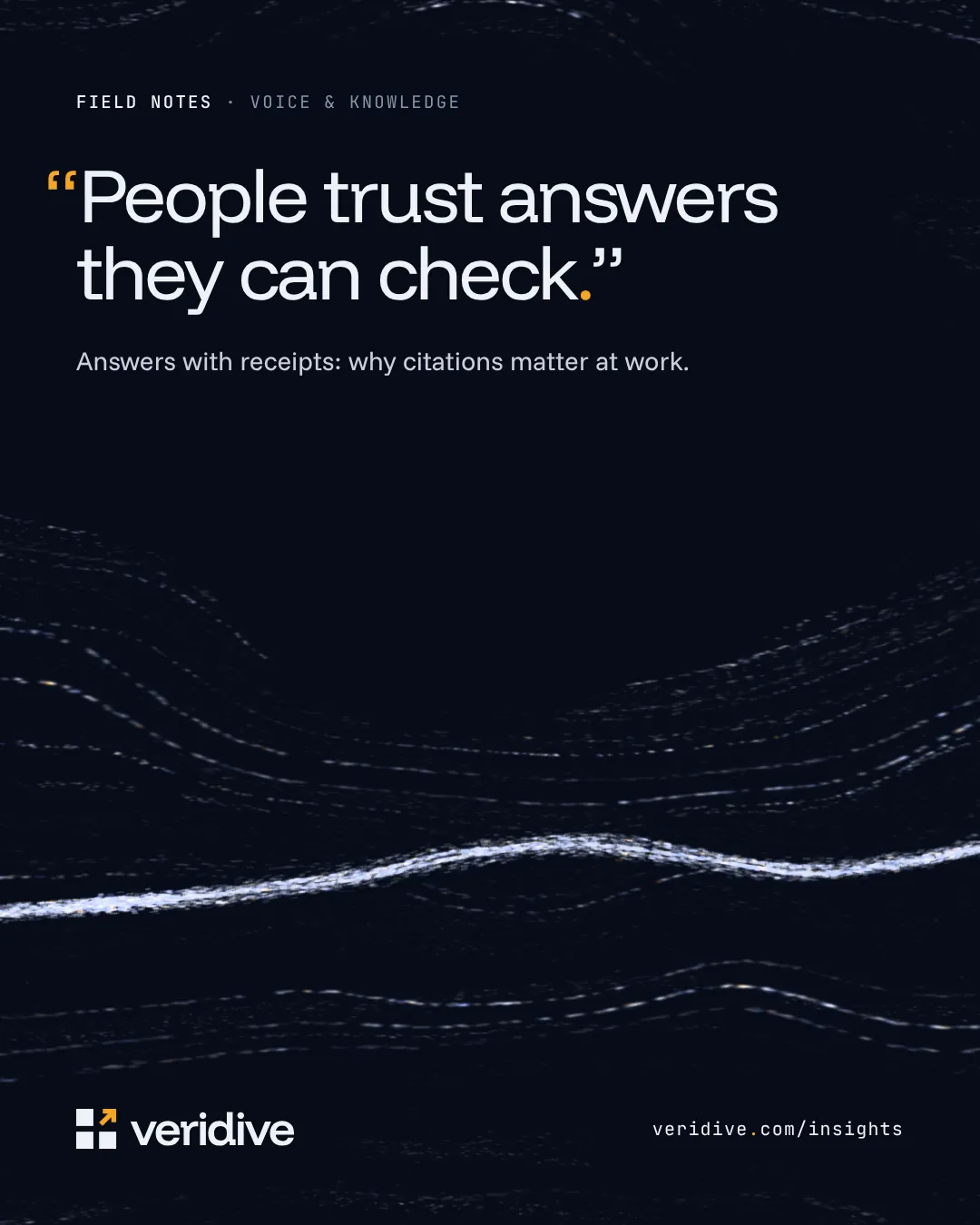
Templates for posts.
Square (1200 × 1200), portrait (1080 × 1350) and link (1200 × 627) templates for LinkedIn and X, with editable sources. Hiring posts are for roles that are really open.

6.2 Social profiles
LinkedIn and X.
Company covers and personal banners for LinkedIn, headers for X, profile images at 400 × 400, and safe-zone guides that show where each platform crops.